Table of content:


Managing Inventory is one of the most important tasks that a business should have. It either makes or breaks a business. So, ditch the old school model of tracking and dealing with the inventory system. For this, the best possible solution is the perpetual inventory system. The system is designed to keep all important stats about your Inventory in one place.
So, let's dig deeper and know how the perpetual inventory system works.
What Is a Perpetual Inventory System?
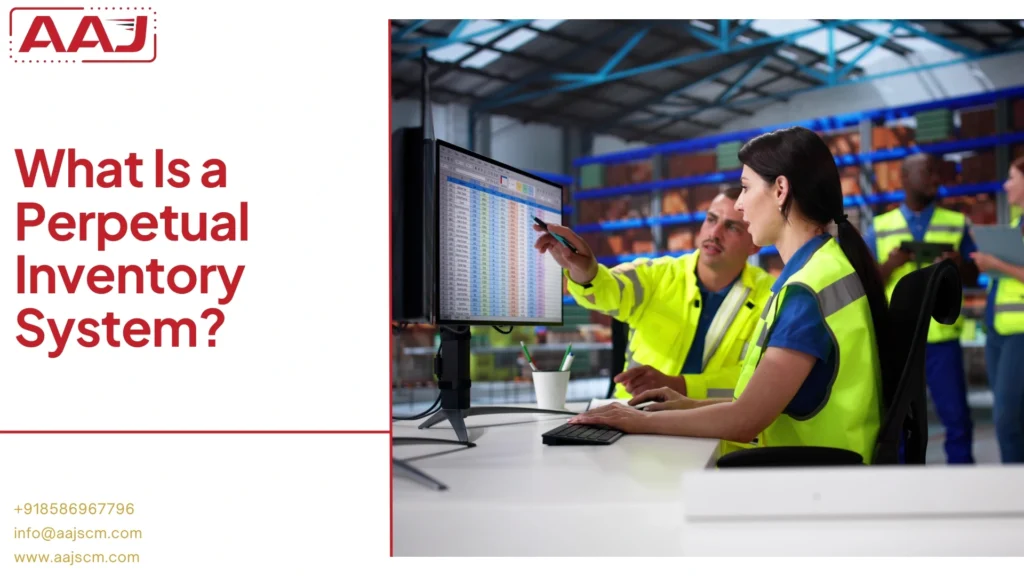
A perpetual inventory system is a combination of many computerized tools, such as computers, barcode scanners, and point-of-sale terminals, to track inventory levels continuously.
In this, each barcode scanning triggers an automatic update to the main perpetual system, so you always know what is the current stock in the warehouse.
So, in short, a perpetual inventory system keeps checks on:
- Inventory real-time data capture.
- Continuous updating of records instantly when any transaction happens.
Here is the list of common techs used to make tracking and managing seamless:
- Barcode scanning at checkout.
- RFID tags.
- POS system integration.
- Mobile inventory apps.
How does the Perpetual Inventory System Work?
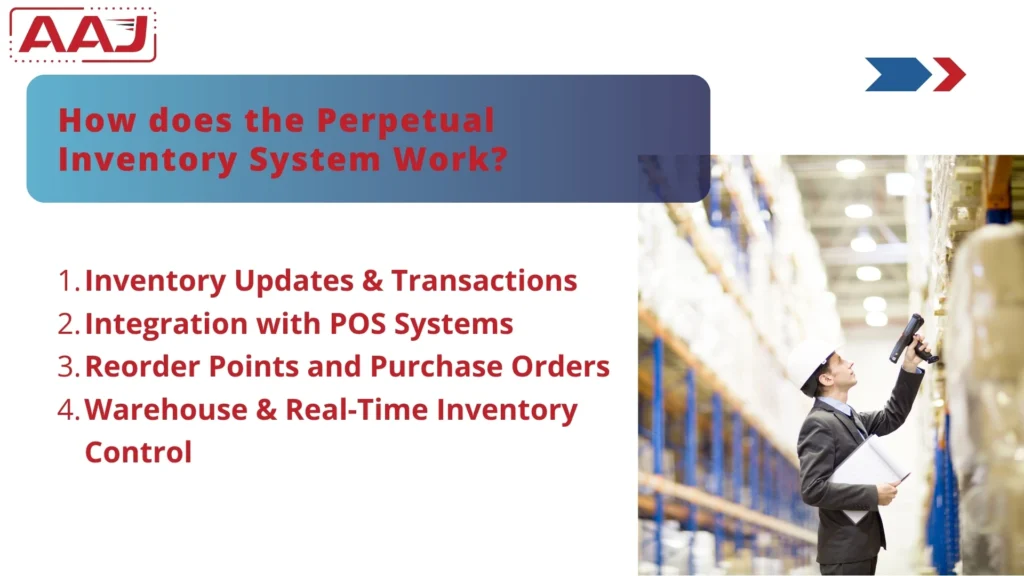
The perpetual inventory system tracks stocks in real-time, which happens through a process, so you always have an accurate count. Here are the steps:
Part 1: Inventory Updates and Transactions
Every transaction, whether receiving, selling, or moving stocks, automatically gets updates in the system. This all happens because of barcodes.
So, for this to work, workers have to scan the barcodes on the Inventory as they receive, pick, or ship them. This triggers an immediate update in the inventory database.
Types of inventory transactions tracked:
- Purchases – New stock coming in.
- Sales – Items going to customers.
- Returns – Products coming back.
- Transfers – Moving stock between locations.
- Adjustments – Fixes for damaged or lost items.
Each one logs key details: SKU, quantity, date, and location.
Part 2: Integration with Point of Sale (POS) Systems
A POS system links directly to the inventory software and updates any sales. For example, when a cashier scans an item at checkout, the Inventory drops in real-time from available stocks.
This step up does two things: (a) stops overselling of a product and (b) flags the system for "out of stock".
With this system, a manager can easily track what sells fast and make smarter choices based on customer feedback.
Part 3: Reorder Points and Purchase Orders
As the system flags a "low in stock," the system sends a prompt to the manager about the reorder requirements. This can also be done by setting a reorder point for each product.
So, when stocks hit that number, the manager will be automatically notified. Thus, reorder points need to be set based on sales speed and supplier delivery time.
For example, fast-selling products need higher reorder points than slower-moving inventory.
Part 4: Warehouse and Real-Time Inventory Control
The Perpetual Inventory system is the backbone of an efficient warehouse and inventory management system that not only tracks where every product sits but also indicates its inventory levels.
This helps in:
- Workers know exactly where to find each item.
- Real-time updates of the current inventory level in each warehouse zone.
- Easily tracks overstock or understock inventory and warehouse zones.
- Suggest the best picking routes that make order fulfillment faster.
- Mobile scanners allow for easy inventory updates.
Perpetual Inventory Formulas and Calculations with Example
Perpetual inventory systems are based on certain formulas to track costs, value stock, and make ordering decisions.
1. Cost of Goods Sold (COGS) Formula: It defines the direct cost of buying items and then selling them during a period.
- Basic COGS Formula: COGS = Beginning Inventory + Net Purchases - Ending Inventory
- Perpetual System COGS: COGS = Sum of individual item costs at time of sale
2. Economic Order Quantity (EOQ)
EOQ marker gives the best order size to minimize inventory costs and holding costs for sweet spots.
EOQ Formula: EOQ = √(2DS/H)
Where:
- D = Annual demand (units)
- S = Ordering cost per order
- H = Holding cost per unit per year
3. Inventory Turnover Ratio
The Inventory Turnover ratio states how often a company sells and replaces its Inventory in a period of time. Higher numbers mean better management and stronger sales.
- Inventory Turnover Formula: Inventory Turnover = COGS ÷ Average Inventory
- Average Inventory Formula: Average Inventory = (Beginning Inventory + Ending Inventory) ÷ 2
Perpetual vs Periodic Inventory Systems
There are two main ways to track Inventory:
- Perpetual systems update the records instantly with every sale or purchase.
- While periodic systems wait for scheduled physical counts to figure out what you have.
Key Differences in Perpetual vs. Periodic Inventory Systems
| Feature | Perpetual Inventory System | Periodic Inventory System |
| Timing of Updates | Record changes immediately after every transaction. | Updates only after scheduled physical counts. |
| Technology Needed | Requires accounting/inventory software. | Can use spreadsheets or manual records. |
| Real-Time Info | Inventory levels are available any time. | Exact numbers are known only after a physical count. |
| Cost of Goods Sold | Calculated with every sale. | Calculated after the inventory count using the formul. |
| Benefits | • Quick theft detection • Helps avoid stockouts or overstock • Great for high volume operations | • Cheaper and simpler to implement • Low daily workload • Works for stable, slow moving inventory |
Advantages and Disadvantages of the Perpetual Inventory System

Advantages:
- Real-time updates of stock levels, or selling, or receiving items.
- Better accuracy backed by inventory scanners and avoiding any counting mistakes.
- Improved forecasting based on current customer trends for better restocking guesses.
- Multiple location management can track inventory across various zones in a warehouse.
- Faster financial reporting as stocks are sold.
- Prevents stockouts because of real-time stock updates.
- Reduces overstocking as it gives exact quantities in the Inventory.
Disadvantages:
- Higher setup costs and the need for investment for buying barcode scanners, software, and hiring a technical team.
- Training needs new tech and scanning routines.
- Scanning errors occur because of missed scans or damaged barcodes.
- System failures occur as it updates in real time, then it needs a stable network connection, and if the system fails, tracking becomes sloppy.
- High maintenance costs for regular software updates and repair costs.
When does a Company choose a Perpetual Inventory System?
A Perpetual Inventory System is a powerful tool, but it is also true that it is not made for all businesses.
So, whether or not you should invest in a perpetual inventory system is based on the following matters:
- If your business deals with a high volume of items.
- If you have an e-commerce store and need real-time stock updates on the website.
- If you want to have quick theft detection and improve accountability.
- Needs to make data-driven decisions on metrics such as cost of Goods Sold (COGS) and inventory data for better planning.
Final Words:
The Perpetual Inventory System really shines for businesses with lots of transactions. But if you run a smaller company, you might wonder if the costs make sense.
And honestly, you'll still need the occasional physical count to double-check everything.